PROBLEM
PERSONA
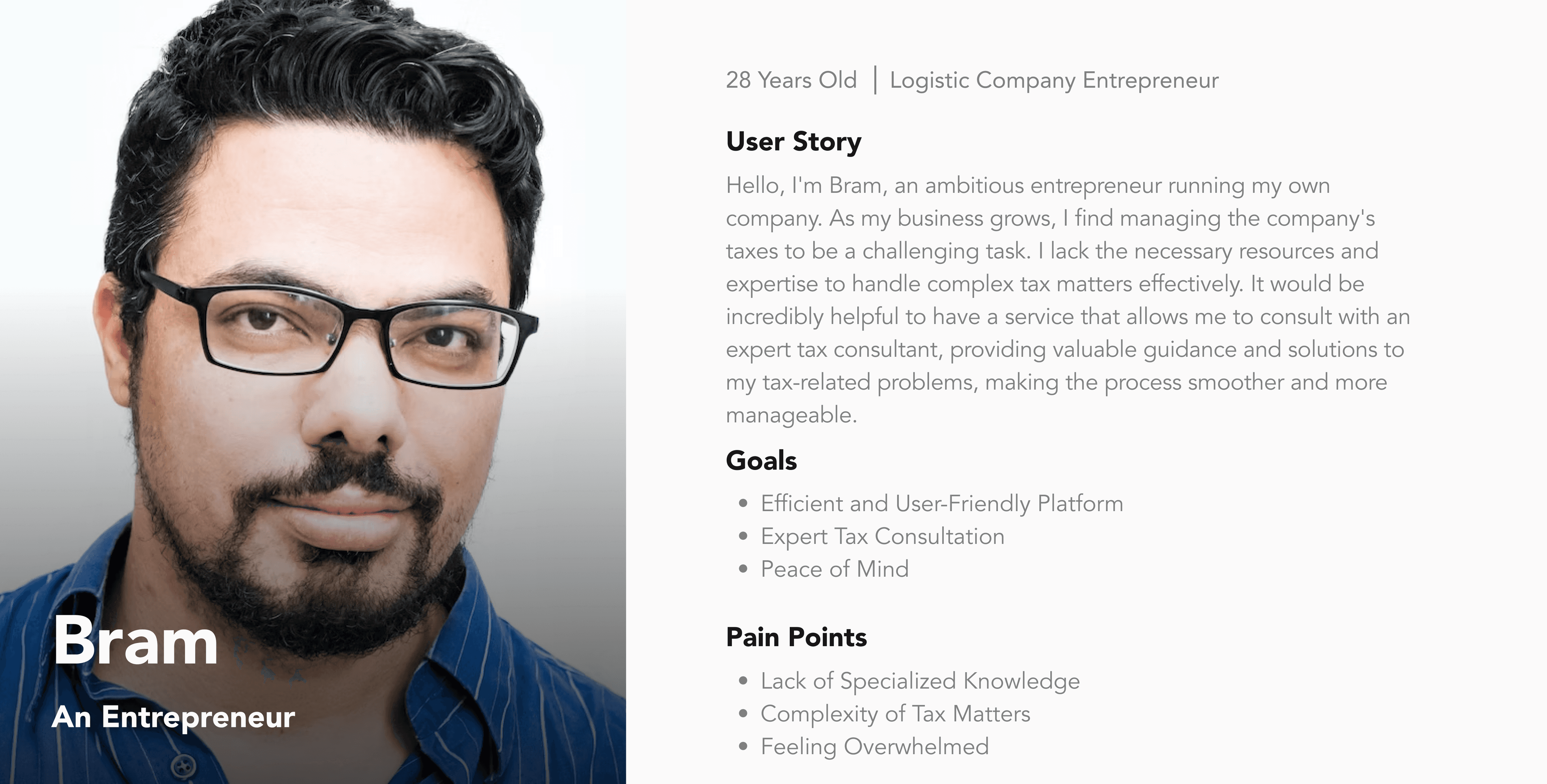
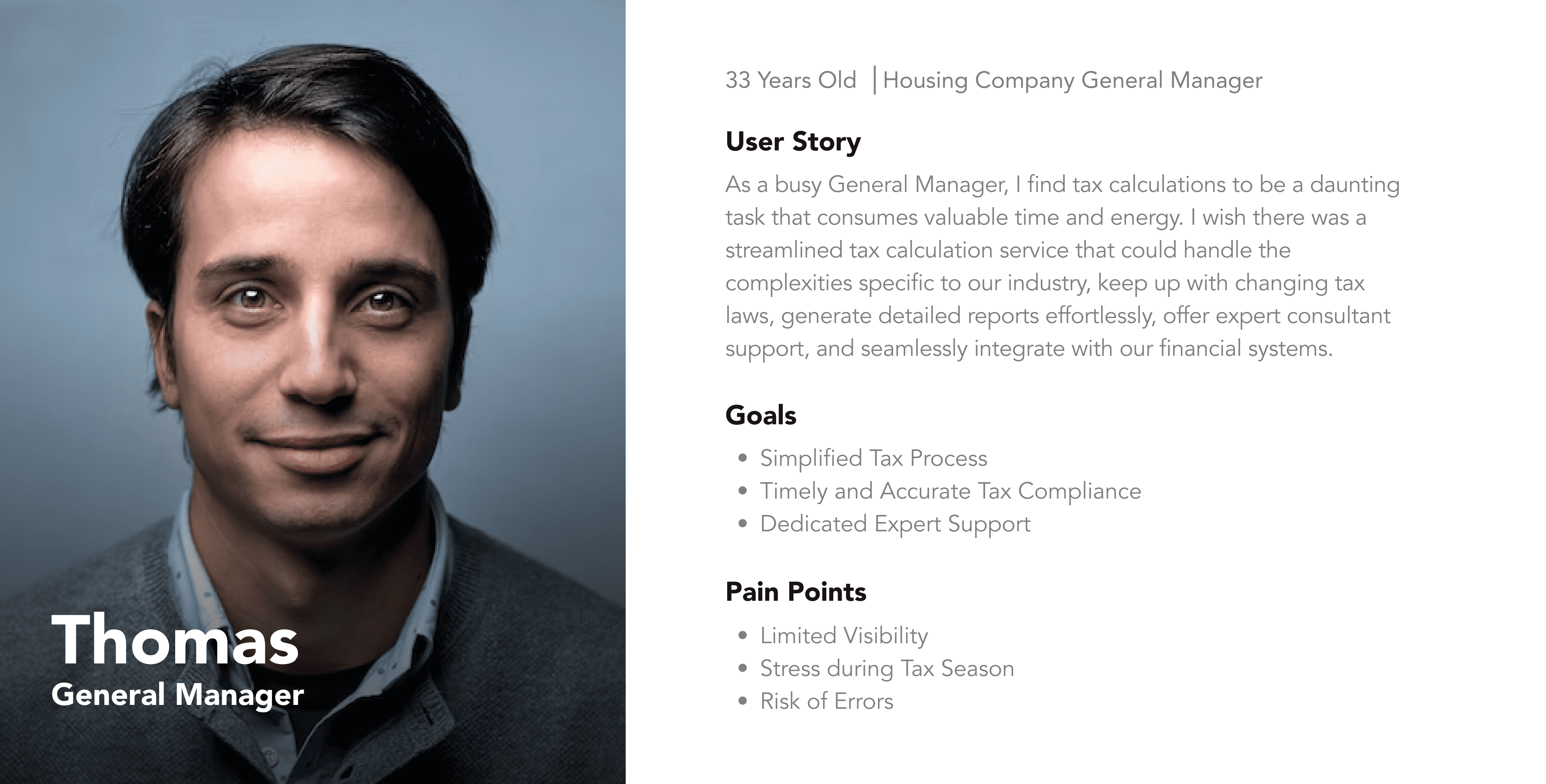
We wanted to understand our users' goals, needs, experiences, and behaviors. So, we created 2 personas for each of our user segments. Each were based on our interviews and always updated by our requirement gathering. We use personas each time we're not sure on how we wanted to design the flow of the app, so we can refer to the persona to simplify the process.
CUSTOMER JOURNEY MAP
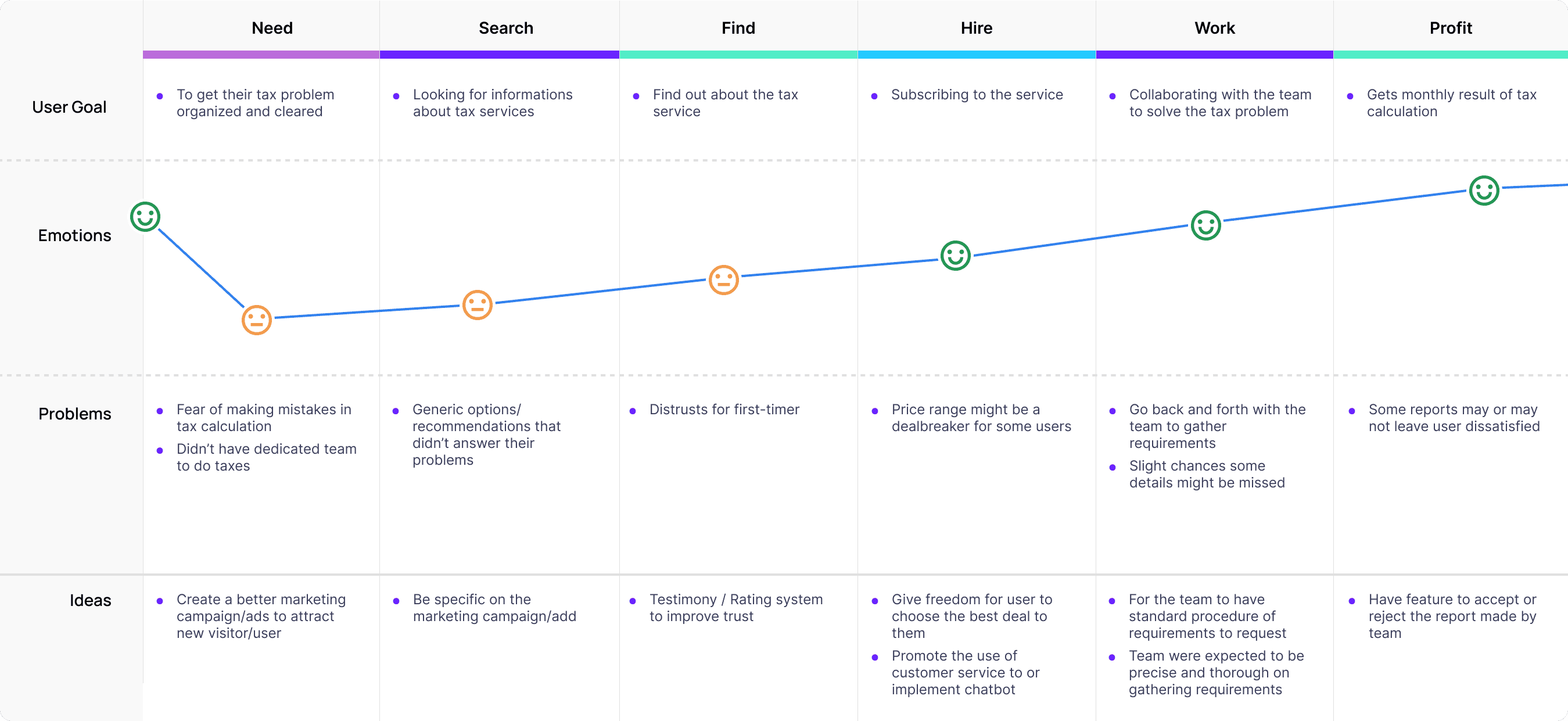
We created a certain scenario make sure that our users reach the checkout screen without any hiccups. So, we sketched a current-state user journey map, to identify opportunities for improvement. From our perspective
WIREFRAME
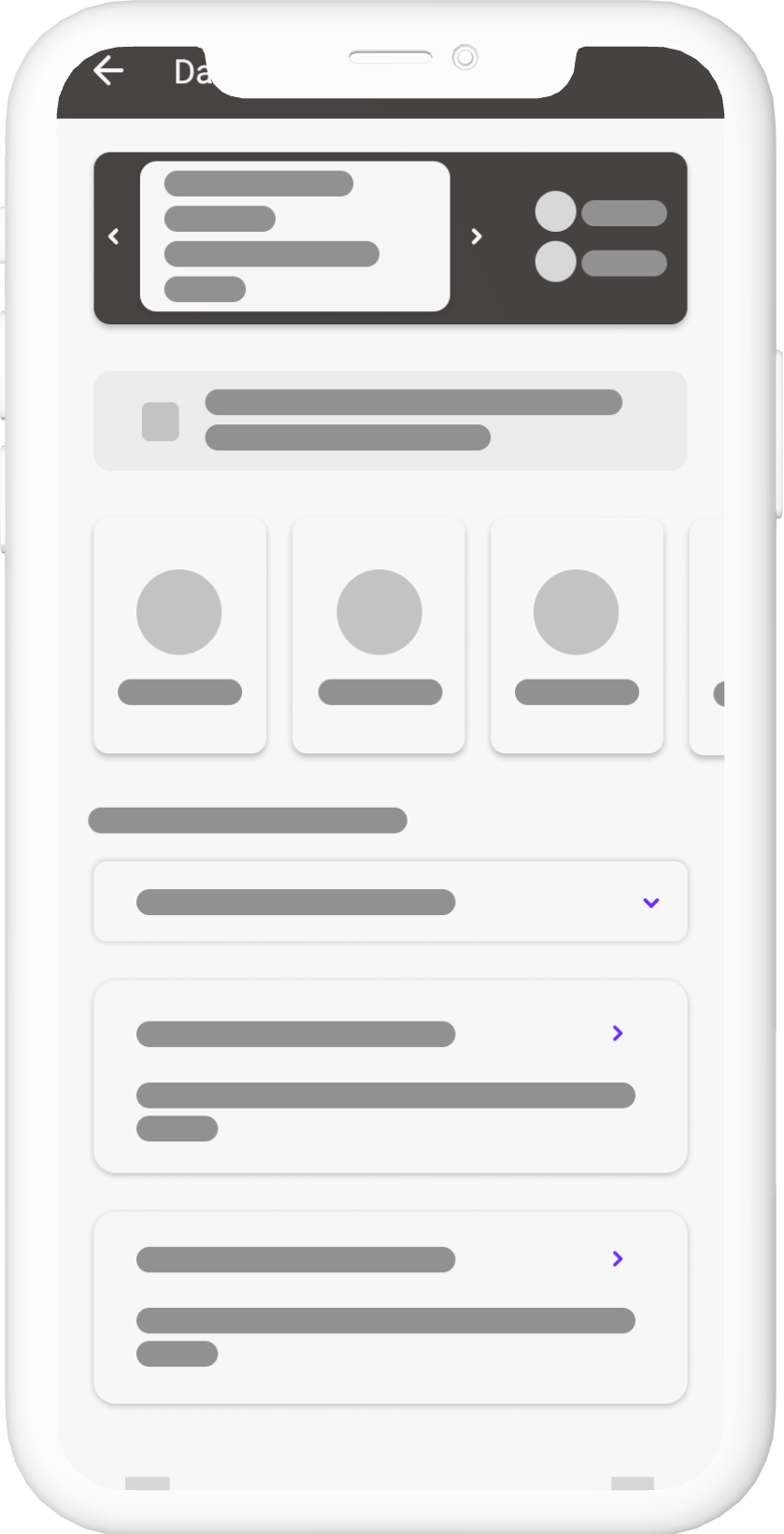
Using Figma, We can then create low-fidelity wireframes. By this stage, the design were ready for usability testing. After every testing, We make slight changes or redo the whole design. After a wireframe is accepted, We can start to work with the high-fidelity design.
UI DESIGN
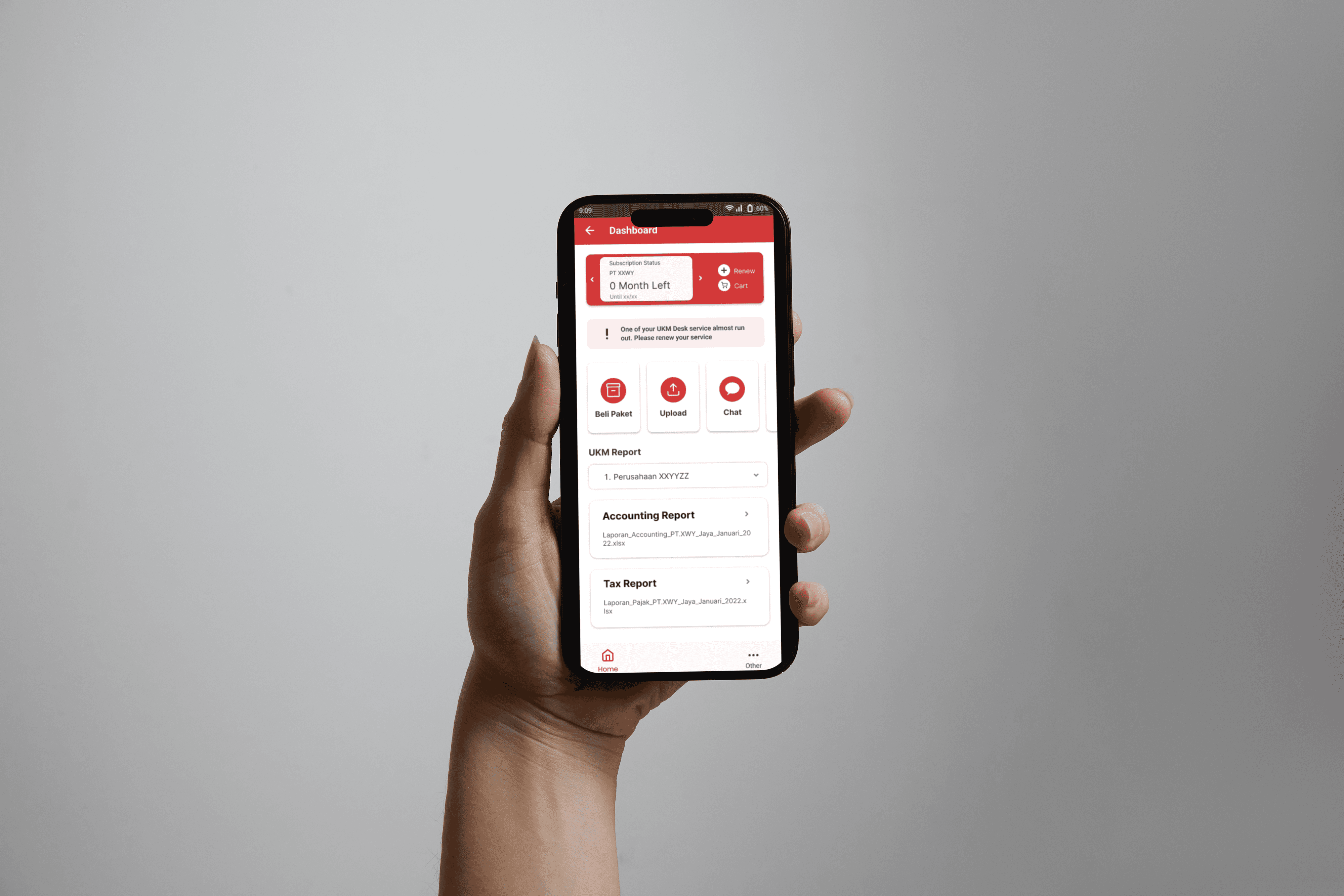
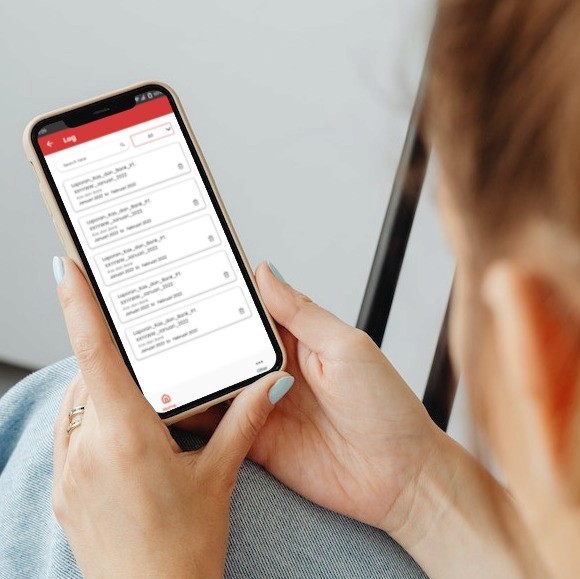
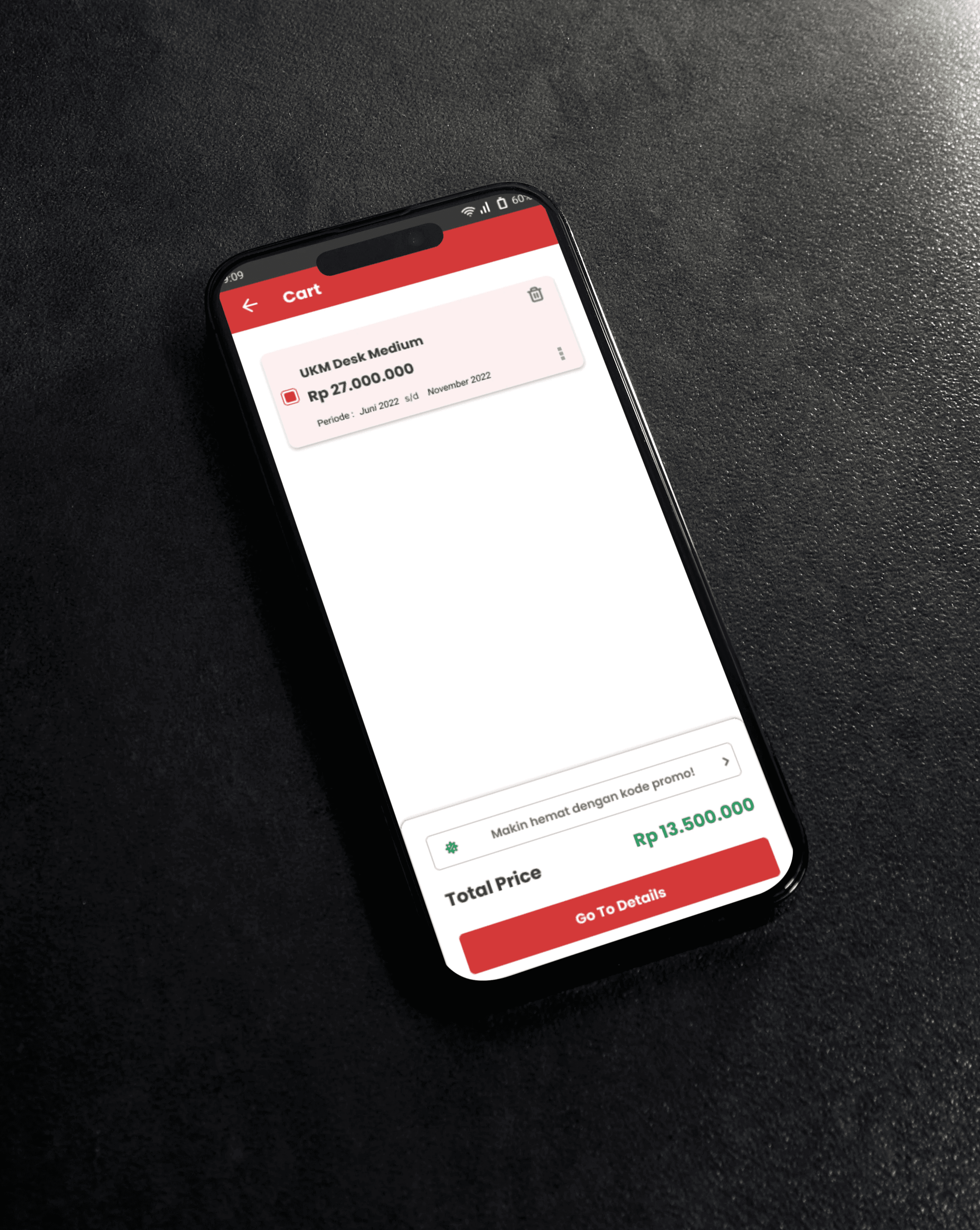
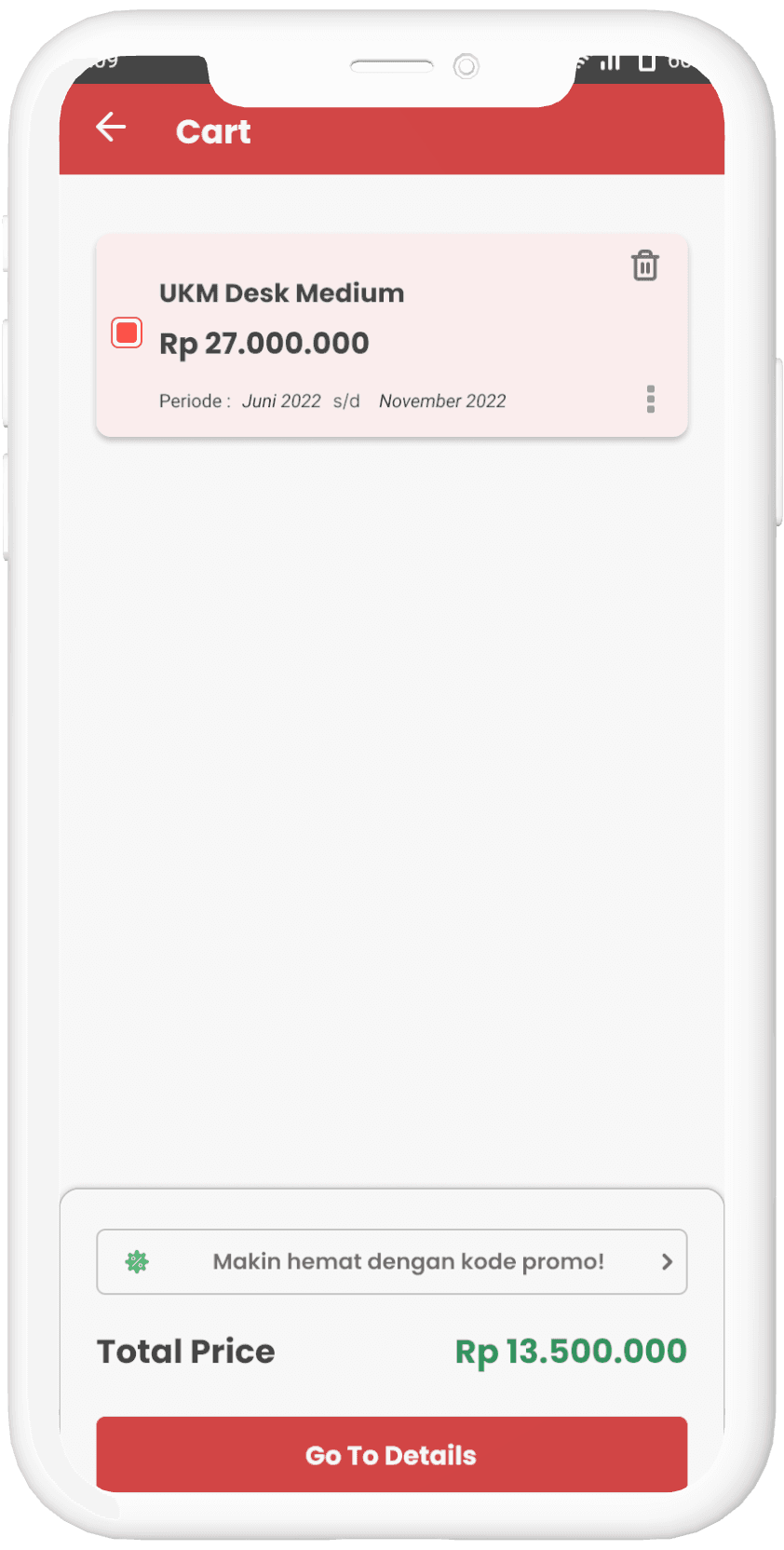
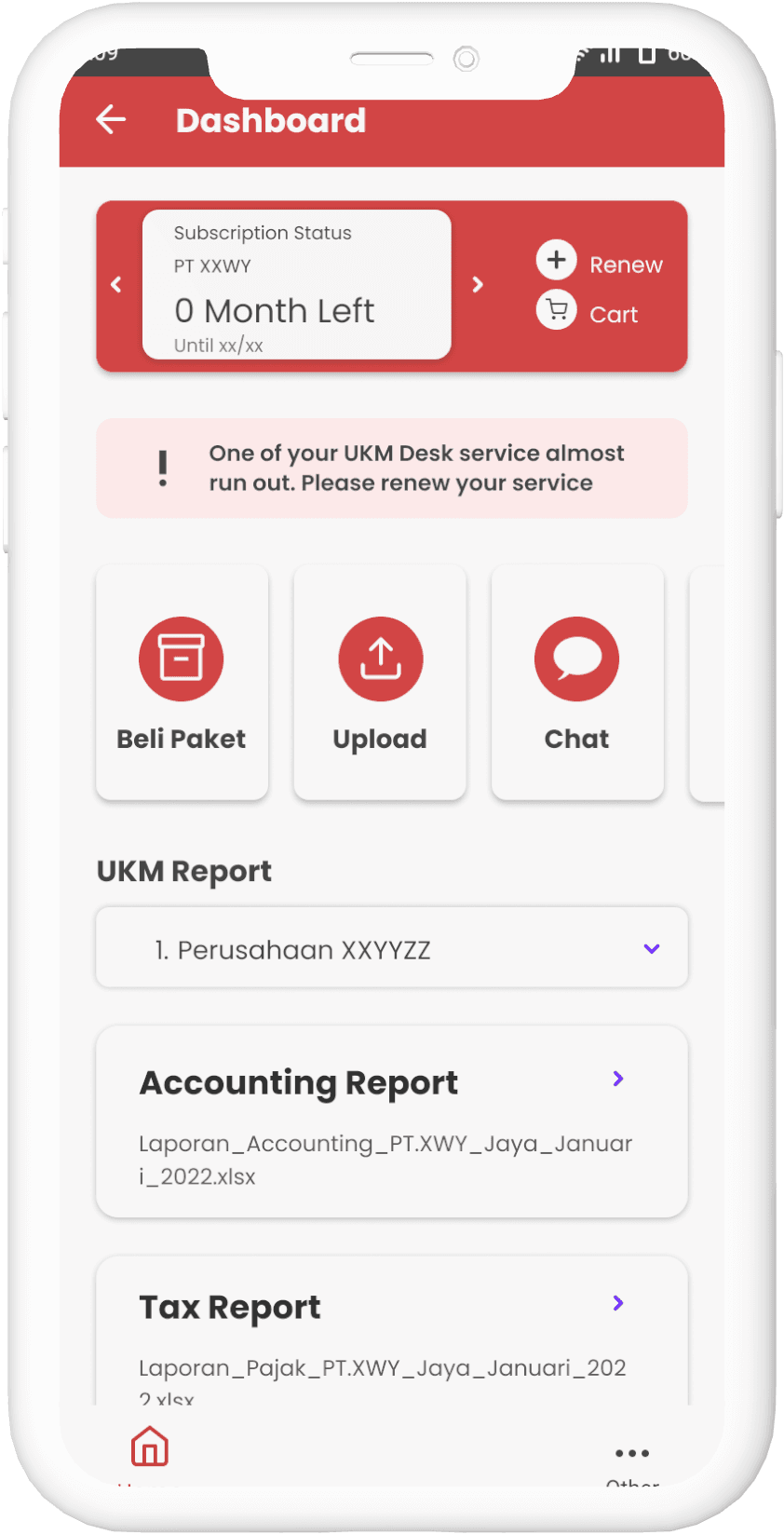
Once the usability issues were resolved, I moved on to design the final screens in Figma. I implement the color of the main company and apply the layout from the wireframe. Priority goes from recommended consultants, followed by category filter at the bottom.